
Software options for KIP KIP 740C 2 Roll Multi-function Color System (6D/A1 PPM) with Top Stacking Wide Format Printer (Color Wide Format Printer) in New York City
Make scanning, printing, and security workflows easier in NYC
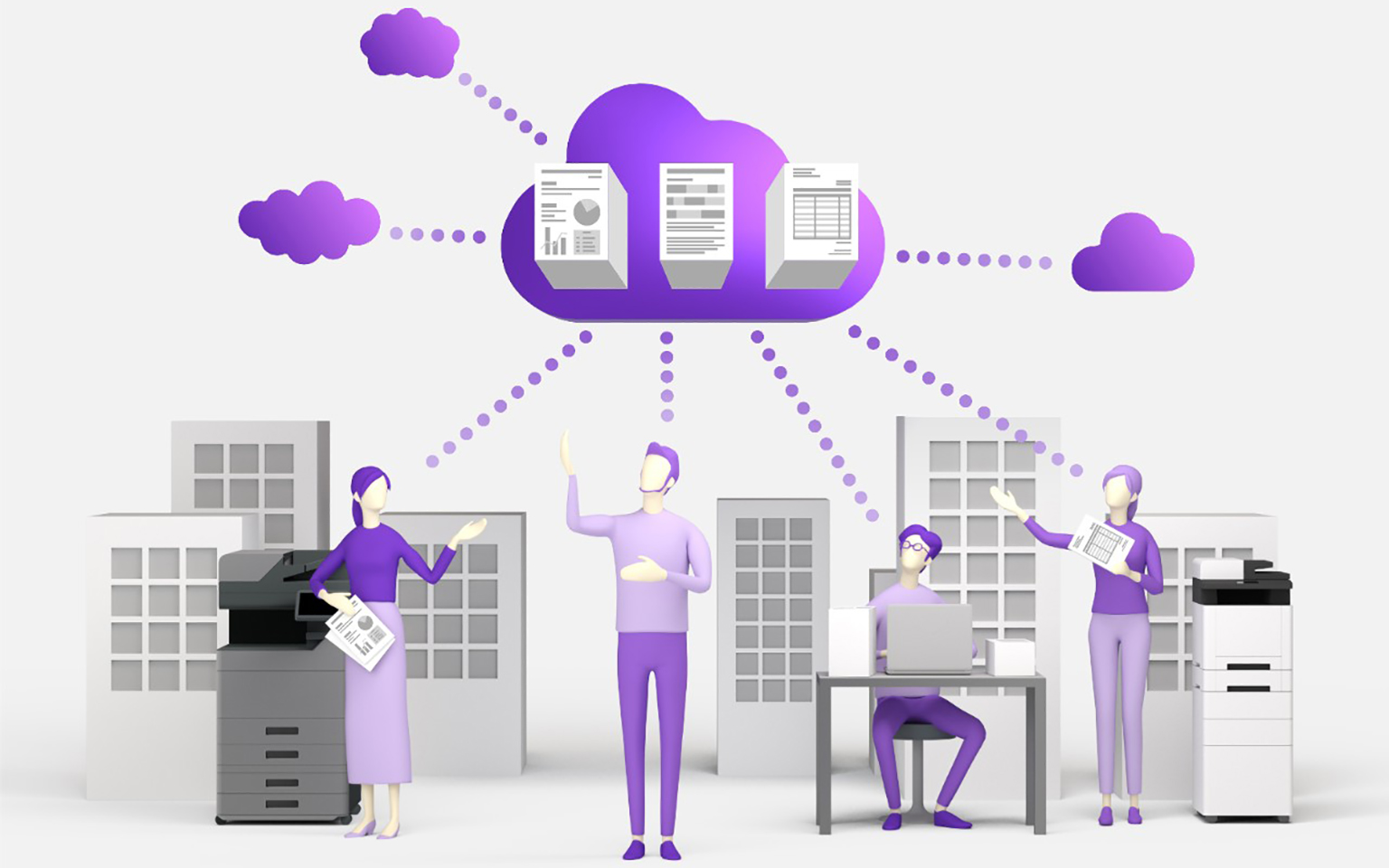
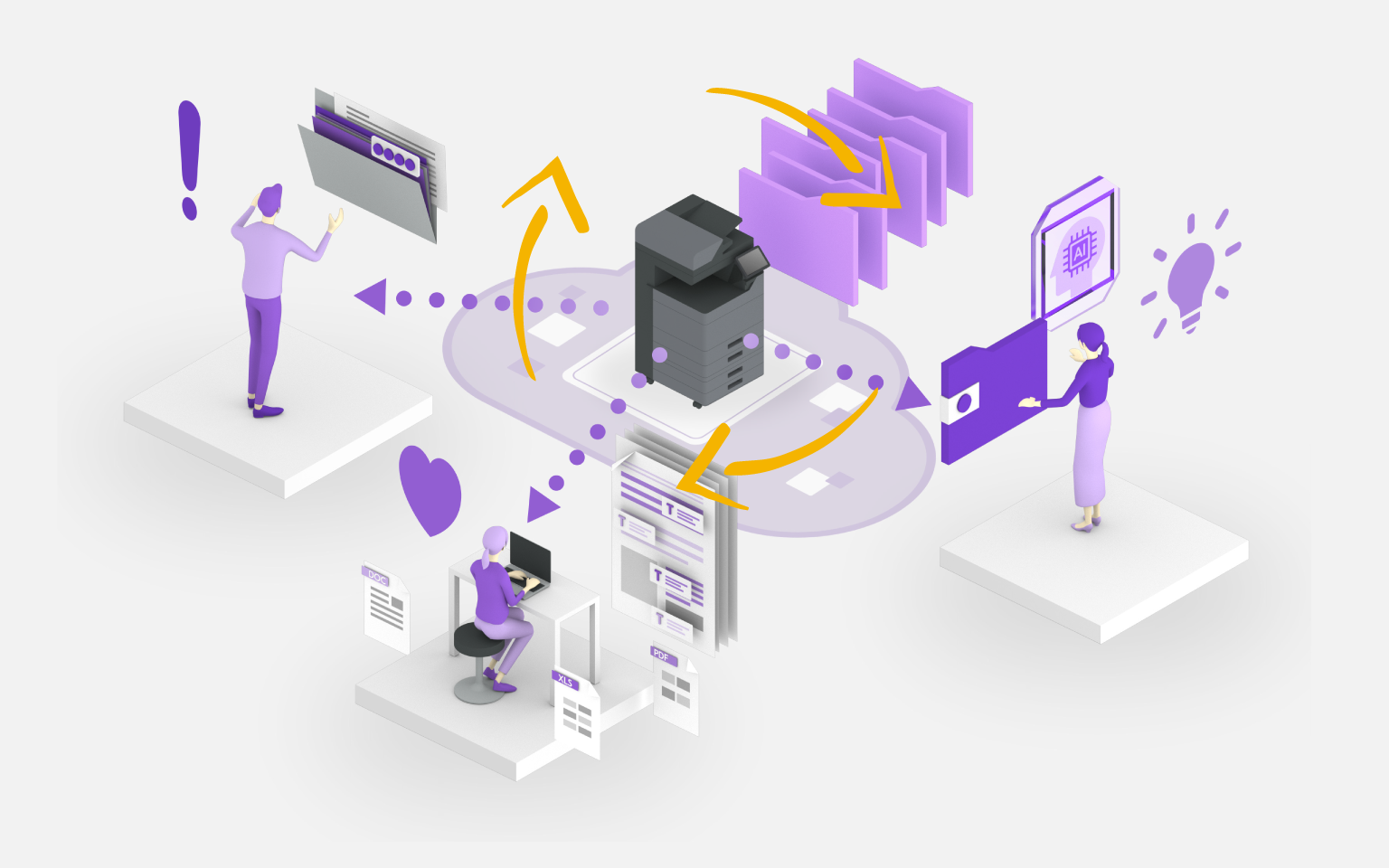
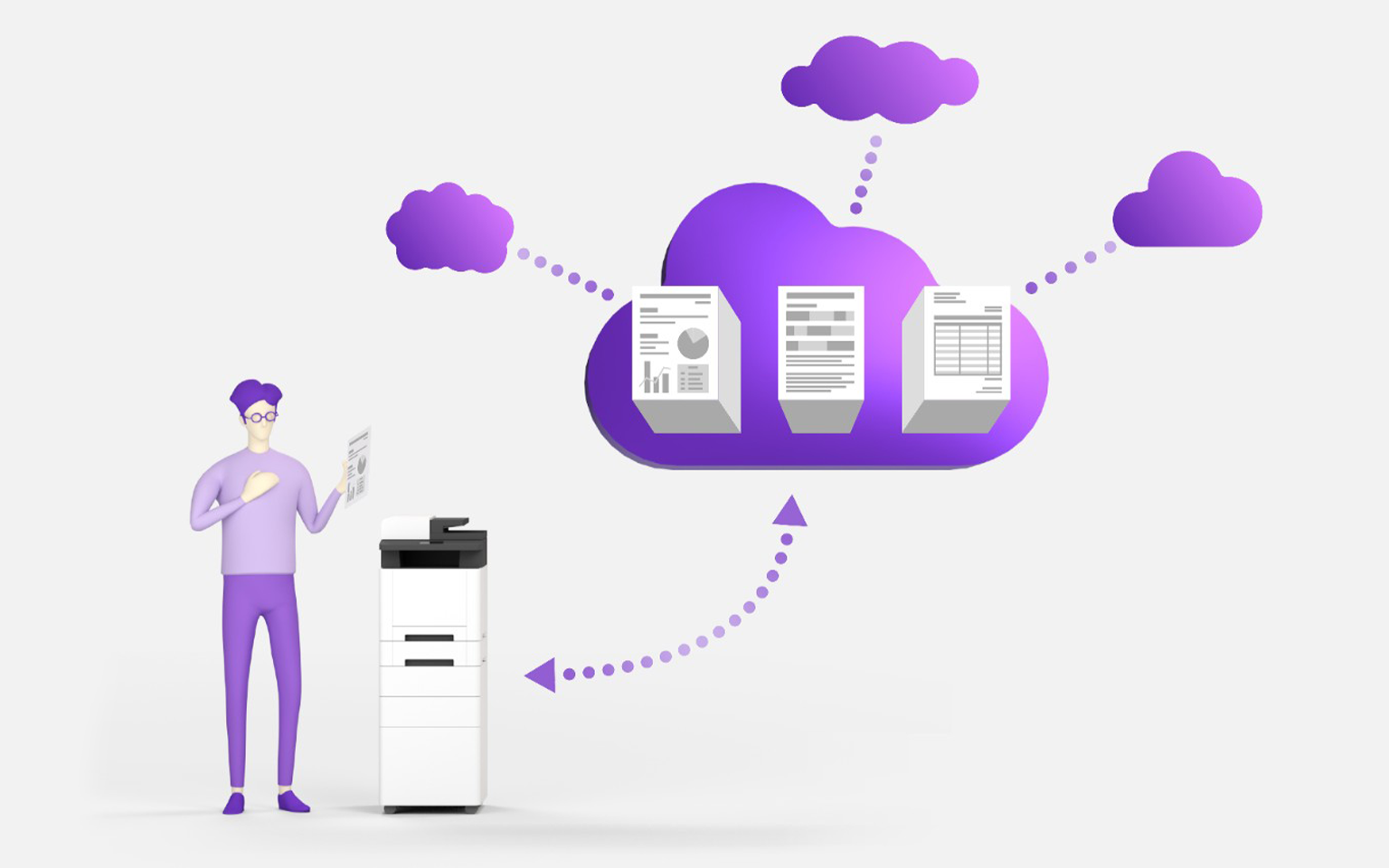
When you lease or rent a business wide format printer in New York City, the hardware is only one part of the solution. The real productivity gains come from pairing the device with the right software: secure print release, simple scan-to-email and scan-to-folder workflows, automatic routing to SharePoint or cloud drives, and visibility into who is printing what. For many NYC teams, especially those managing sensitive client documents, software is what turns a good device into a repeatable process that saves time and prevents mistakes.
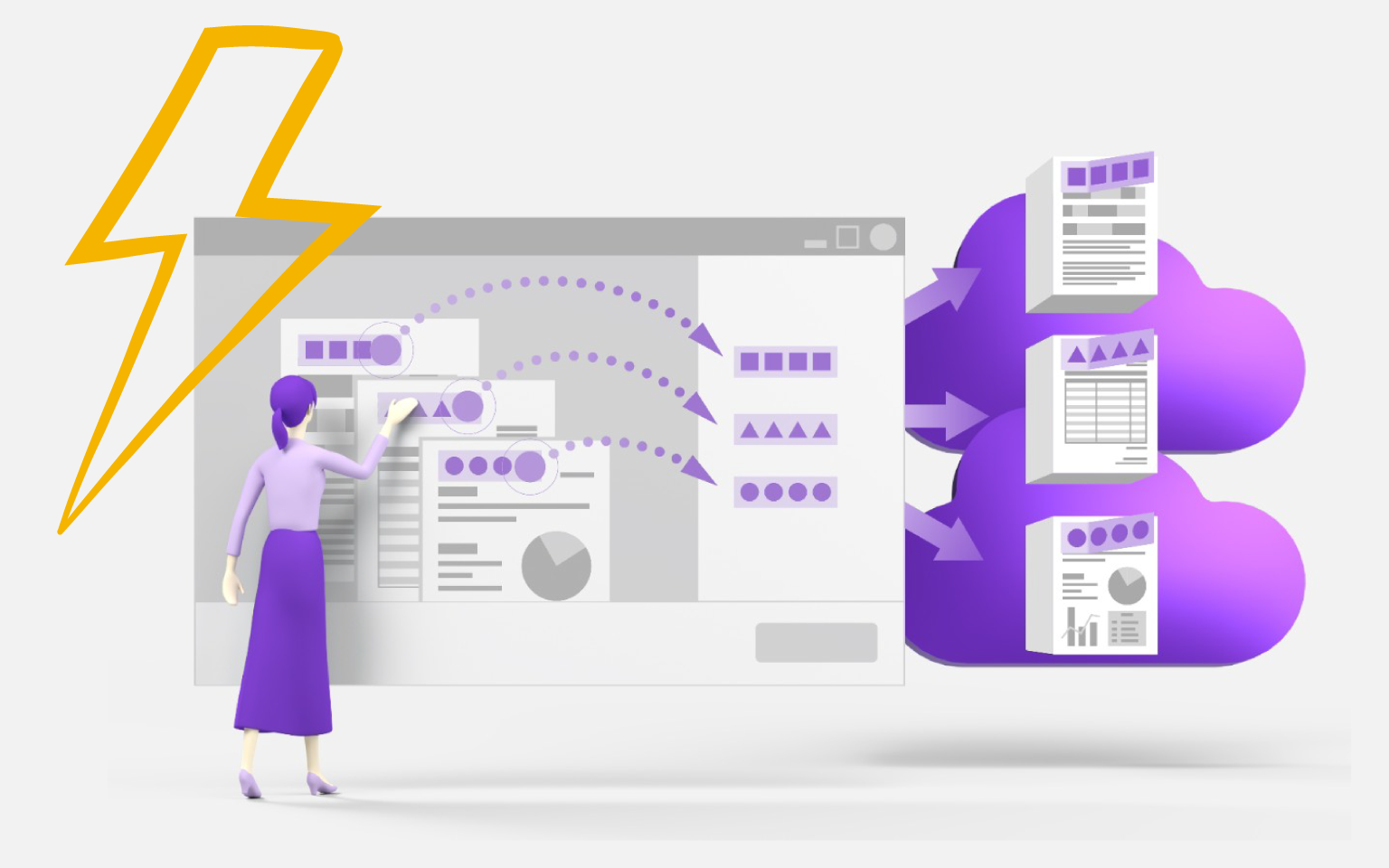
The KIP KIP 740C 2 Roll Multi-function Color System (6D/A1 PPM) with Top Stacking is typically deployed into one of a few common patterns. First is a straightforward “walk-up” setup: users print from Windows or macOS, then scan to email or a shared folder. Second is a managed environment where IT needs centralized device management, user authentication, and rules like “color printing requires approval.” Third is a workflow-driven setup, where scanned documents are automatically named, OCR’d, and routed into business systems. The right approach depends on your office size, the types of documents you handle, and the compliance requirements you may have.
Below is a list of software products currently in our Kyocera catalog. Compatibility can depend on firmware, options, and your network environment, so we treat this as a starting point. When you request a quote, we’ll confirm what’s supported for your exact KIP configuration, recommend the simplest path to deploy it, and help you plan user adoption (for example, setting up one-touch scan buttons for common destinations so people actually use the scanning features). If you’re not sure where to start, the best first step is to tell us your current pain points: secure printing, scan routing, cost control, or device visibility.
A practical way to choose software is to work backwards from outcomes. If the goal is fewer “where did this scan go?” moments, prioritize tools that standardize scan destinations and file naming. If the goal is cost control, focus on reporting and policy enforcement that can separate personal printing from client work and reduce unnecessary color pages. If the goal is security, start with authentication and secure release so confidential documents don’t sit unattended on the output tray. We’ll help you select the smallest set of features that solves the problem without overcomplicating your day-to-day workflow.
For NYC teams that need to move quickly, we can also recommend a phased rollout: start with secure printing and basic scan routing, then add advanced workflow automation once staff is comfortable. That approach keeps adoption high while still unlocking the biggest time savings over time.



















Device setup details (what to confirm)
Software results depend less on “the app” and more on how the device is configured. Before rollout, confirm how users will authenticate, where scans should go (email, folders, cloud drives), and whether secure release printing is required. If you already know those three answers, implementation is typically straightforward.
- Who needs access, and how will sign-in work?
- What scan destinations should be one-touch buttons?
- Do you need reporting, cost control, or approval rules?
Delivery & service areas
Local delivery, installation, and on-site service across NYC and the surrounding Tri‑State area.
- Manhattan
- Brooklyn
- Queens
- The Bronx
- Staten Island
- Westchester County
- Rockland County
- Nassau County
- Suffolk County
- Hudson County (Jersey City, Hoboken)
- Bergen County
- Essex County (Newark)
- Union County
- Fairfield County, CT (Stamford, Greenwich)